As an Amazon Associate I earn from qualifying purchases.
The three-light rule
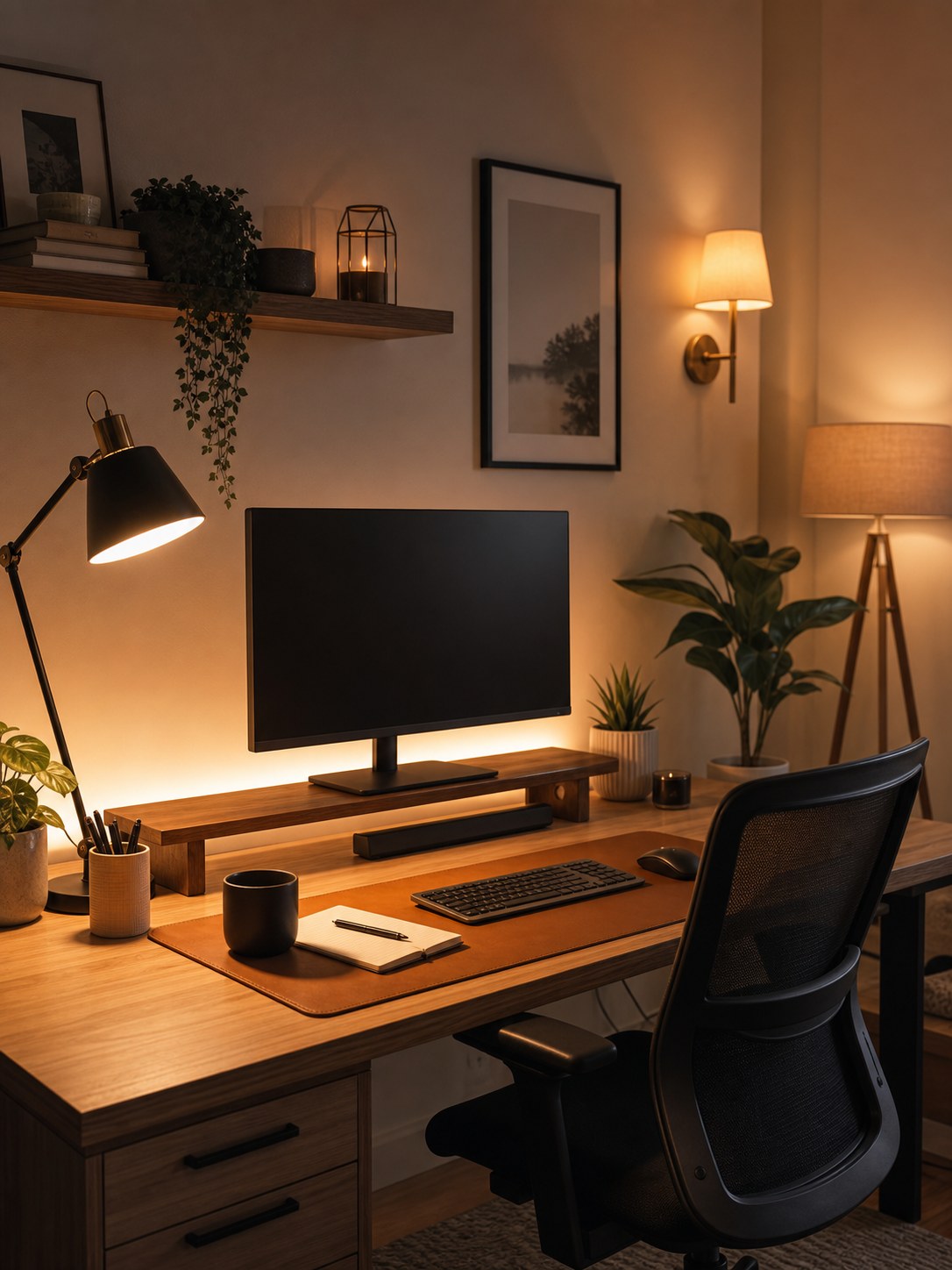
A comfortable home office usually needs three types of light: daylight or room light, focused task light, and softer background light. This keeps the desk usable without making the room feel flat or harsh.
Place the task lamp with intention
Put the lamp on the opposite side of your dominant hand if you write often. If you mostly type, place it where it lights the keyboard and notebook without reflecting directly into the screen.
Browse adjustable desk lamps on Amazon
Control screen glare
Glare usually comes from a window or lamp facing the monitor. Rotate the desk, shift the screen angle, or add a shade before buying more lighting. The goal is softer contrast, not just more brightness.
Browse monitor light bars on Amazon
If the desk feels crowded once the lamp is in place, a slim monitor light bar can keep the keyboard and notebook lit without adding another base to the work surface. Keep the benefit claim simple: more open desk space and softer task light, not brighter-is-better promises.
A quieter desktop also helps the light feel calmer. If the desk still has charging cables and a dark keyboard crowding the work zone, a warm-toned wireless keyboard and mouse set can reduce visual noise and keep the lit part of the desk easier to read on camera and in person.
See this wireless keyboard and mouse set on Amazon
Video call background
A lamp behind or beside you can make the background feel warmer, but keep the brightest light in front of your face. A small shaded lamp, wall sconce, or floor lamp can make a workspace look more intentional on calls.
Browse warm table lamps on Amazon
If the desk still feels busy in the camera frame, move the overflow up instead of adding another organizer on the work surface. A simple floating shelf can hold notebooks, bins, or background decor so the lit part of the desk stays calmer and easier to read on calls.
See these floating wall shelves on Amazon
Quick lighting checklist
- Use warm white bulbs for evening comfort.
- Avoid bare bulbs in your direct line of sight.
- Keep monitor glare lower than room brightness.
- Add a background light for depth on video calls.
- Use adjustable lamps in shared or changing spaces.
Browse warm white bulbs on Amazon
Recommended desk lighting product
Product images are added only from approved affiliate/API assets.
Monitor light bar
Use this when a desk lamp helps but still steals elbow room from the brightest part of the setup. A slim light bar keeps the screen area easier to work from without stacking another lamp base beside the keyboard.
See this monitor light bar on AmazonAdjustable clamp task lamp
Compare this when you need a work light that can aim at the desk instead of the monitor or camera. A clamp lamp also saves desktop space in smaller setups.
See options on AmazonWireless keyboard and mouse set
Add this after the lamp placement is solved if the desk still looks visually busy in the brightest part of the room. A wireless set keeps the typing zone simpler without leaning on decorative-only styling.
See this wireless keyboard and mouse set on AmazonFloating wall shelves
Use this when the lamp setup works but notebooks, bins, or daily supplies still crowd the camera-side desk surface. One shelf zone can clear the lit work area without pushing storage farther away.
See these floating wall shelves on Amazon