This guide is informational and not medical advice. If pain is persistent, consult a qualified professional.
As an Amazon Associate I earn from qualifying purchases.
Start with fit, not features
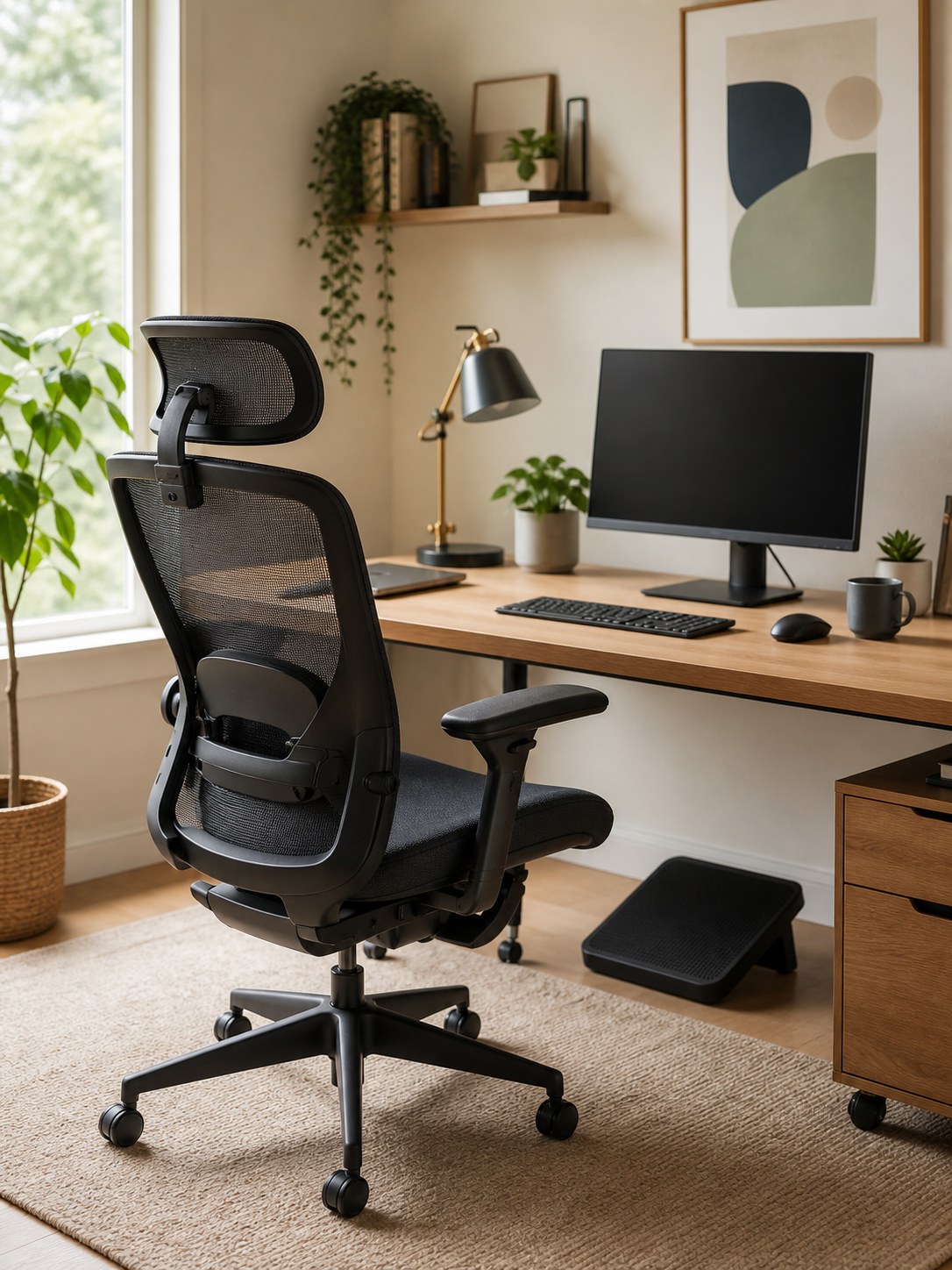
Feature lists can be distracting. The first question is whether the chair helps you sit with feet supported, shoulders relaxed, and forearms close to level with the desk. A chair that does not fit is not ergonomic just because the product page says it is.
Browse adjustable office chairs on Amazon
What matters most
- Seat height that matches your desk and leg length.
- Seat depth that supports the thighs without pressing behind the knees.
- Back support that meets your lower back naturally.
- Armrests that can move out of the way or support relaxed shoulders.
- Breathable materials if the room runs warm.
Browse adjustable-arm chairs on Amazon
If the chair is close but still feels hard
Sometimes the main problem is not the whole chair. It is the seat pressure after several hours. A cushion can be a cheaper test before replacing the chair, especially if the back support and desk height already work.
Keep the claim practical: this is for comfort, not a medical fix. It is most useful when the chair fits the room and desk, but the seat still feels too firm by midday.
See seat cushion options on Amazon
Check monitor height before blaming the chair
A chair can feel wrong when the screen is still too low. If you keep dropping your chin or hunching forward to meet the monitor, a simple monitor arm can do more for the setup than another seat add-on because it lets the screen rise without eating desk depth.
This is especially useful on compact desks where a bulky riser would push the keyboard too close to the chair. The goal is basic screen placement and easier desk fit, not a promise that one product fixes posture by itself.
See this monitor arm on Amazon
Common mistakes
Do not choose only by looks, do not assume a gaming chair is automatically supportive, and do not ignore the desk height. A chair and desk have to work together.
Browse home office chairs on Amazon
Budget vs. premium
A budget chair can work if the fit is right and the adjustments cover your needs. Premium chairs tend to win on build quality, smoother controls, warranty, and long-hour comfort. For most home offices, the best first step is a chair with the right proportions and enough adjustment, not the most expensive model.
Browse budget ergonomic chairs on Amazon
What to measure before buying
| Measure | Why it matters |
|---|---|
| Desk height | Determines chair height and arm position |
| Seat width | Prevents cramped posture |
| Seat depth | Affects leg support and pressure points |
| Floor space | Confirms the chair can roll and tuck in |
Browse office chair mats on Amazon
Recommended comfort add-on
Product images are added only from approved affiliate/API assets.
Memory foam seat cushion
Use this when the desk height and chair proportions are already workable, but the seat feels too firm for long stretches. It is a comfort add-on, not a substitute for a chair that is the wrong size.
See options on AmazonBudget single monitor arm
Compare this if the chair fit is close but the monitor still sits too low or too far back. A basic arm can lift the screen and return usable desk depth without adding a large riser between you and the keyboard.
See this monitor arm on Amazon